
0%
ERP for the Construction Industry

Construction ERP Software for Contractors and Builders

RexoERP is construction ERP software that connects projects, estimates, material purchase, site stores, subcontractor bills, RA billing and accounts, so you know the cost and profit of every project while it is still running.

  • Project Costing
  • Site Stores & Material
  • Subcontractor Bills
  • RA Billing
  • Budget vs Actual
  • Multi-Site Accounts
  • Part of the integrated RexoERP suite
  • Dedicated support team

Get a Quote on Get a Quote on Construction ERP

Share your requirements and our specialists will get back to you.

What is it

What is construction ERP software?

Construction ERP software is a project-based ERP that connects estimates and budgets, material purchase, site stores, subcontractor and labour work, client billing and accounts. A contractor or builder runs many sites at once, each with its own budget, material movement and payments, and the problem is usually knowing which site is making or losing money before the project ends.

RexoERP links every purchase, material issue, subcontractor bill and expense to a project and its cost heads, and compares them with the budget. Site stores record receipts and issues so material is not lost between the vendor and the structure, subcontractor work is measured and billed in stages, and running account bills to clients are prepared from measured work.

It suits civil contractors, building and infrastructure companies, EPC firms, interior and fit-out contractors, and real estate developers who also run their own construction.
  • Budget against actual cost for every project
  • Site stores and material issue control
  • Subcontractor measurement, bills and retention
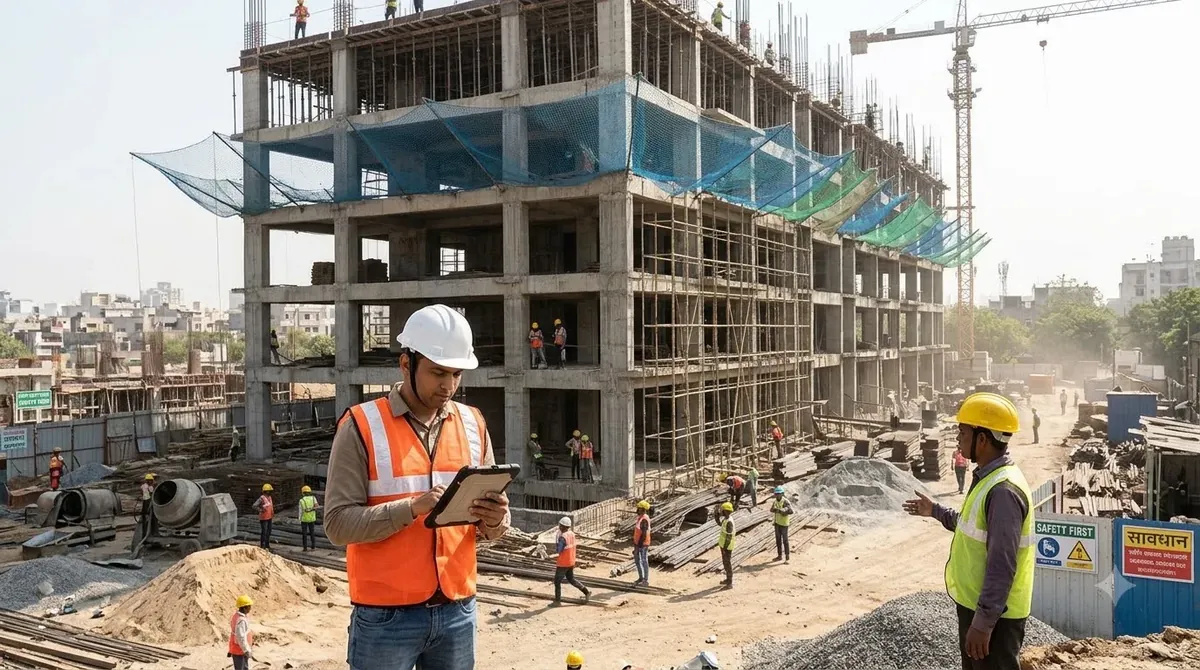
Site engineer with a tablet at a concrete building under construction with workers and a crane
Features

Construction ERP features

Project and Cost Head Budgeting

Set a budget by project and cost head and compare it with actual spending as work progresses.

Estimates and BOQ

Prepare estimates and bills of quantities, revise them and track variations.

Purchase and Vendor Management

Raise requisitions and purchase orders per site, and control rates and vendor payments.

Site Stores and Material Issue

Record material received, issued and returned at each site with stock and wastage control.

Subcontractor and Labour Bills

Measure work, raise stage bills, deduct retention and advances, and track payments.

Running Account Billing

Prepare client RA bills from measured work, with approvals and billing history.

Equipment and Asset Tracking

Track machinery, hire and usage by site along with maintenance.

Project Scheduling and Progress

Record planned and actual progress and see delays against milestones.

Production Costing for Own Units

If you run RMC or precast plants, cost production and issue material to projects.

Accounts, GST and TDS

Maintain project-wise accounts with GST and TDS handling and multi-site reports.
How it works

How a construction ERP implementation works

  1. Understand your projectsWe study how you estimate, purchase, issue material, bill subcontractors and clients.
  2. Set up masters and budgetsProjects, cost heads, vendors, items and opening balances are loaded and checked.
  3. Train site and office teamsSite engineers, storekeepers and accounts teams learn on live projects.
  4. Go live and extendWe support the first weeks and then add modules such as HR, assets or CRM.
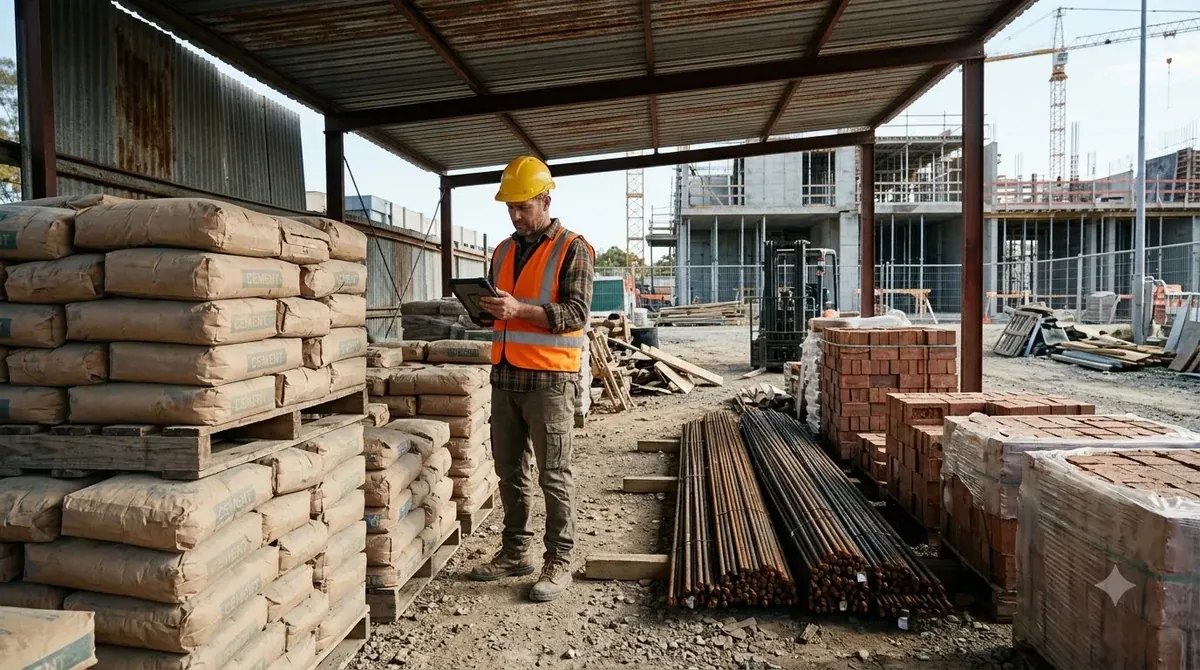
Site material store with stacked cement bags, steel bars and bricks and a storekeeper noting stock on a tablet
Use cases

Where construction companies use RexoERP

Civil and building contractors

Control cost, material and subcontractor bills across many sites.

Infrastructure and EPC companies

Track budgets, progress and billing for large projects.

Interior and fit-out contractors

Estimate, purchase and bill project work with clear margins.

Builders with own units

Link plant production such as RMC or precast to project issues.
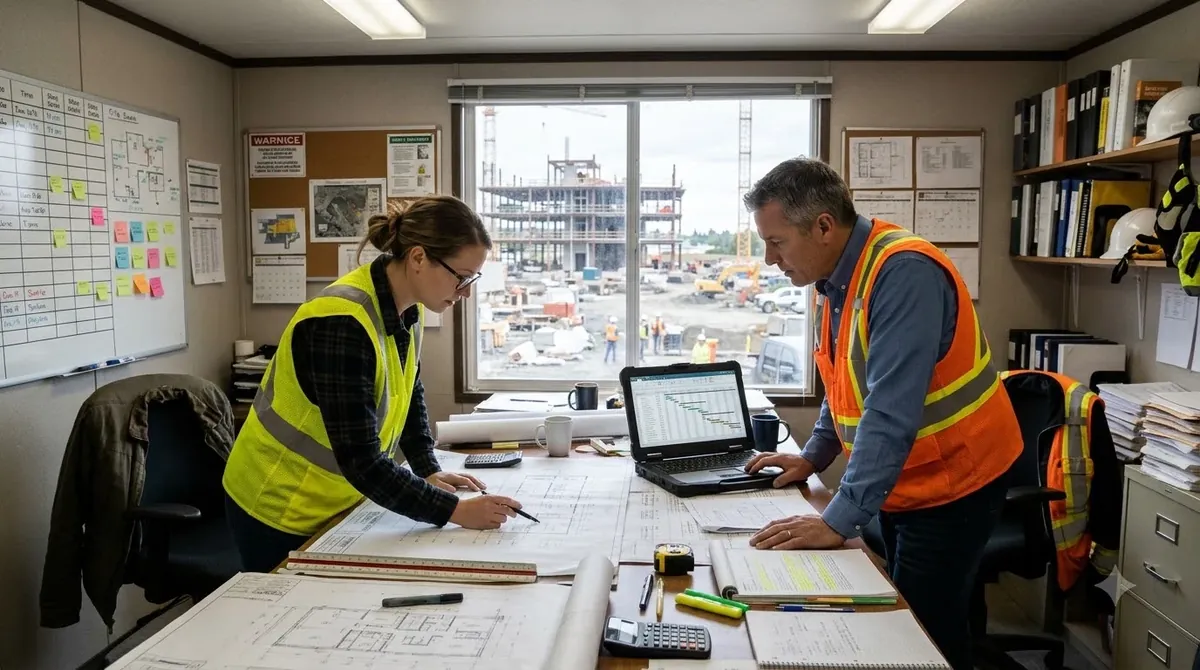
Two engineers reviewing building drawings and a project schedule in a construction project office
Why RexoERP

Why contractors choose RexoERP

Project-based by design

Every transaction is tied to a project and cost head.

Site-friendly use

Cloud access lets site teams enter stores and progress from any location.

GST-ready for India

GST, TDS and retention handling follow Indian practice.

Implementation by our team

We configure, migrate your data and train your people.

FAQ

Construction ERP Questions

It is project-based business software for contractors and builders that connects estimates, purchase, site stores, subcontractor bills, client billing and accounts, with cost and profit by project.

It is ERP where every purchase, expense and bill is linked to a project and cost head, so you can compare budget with actual and see profit for each project instead of only for the company.

Yes. Cost heads, approval flows, bill formats and reports can be configured to your way of working, and custom requirements can be discussed during implementation.

Yes. RexoERP can run in the cloud, so site engineers and storekeepers can update records from any location with a browser, and head office sees the figures without waiting for reports.

Yes. Work is measured, bills are raised in stages with advance and retention deductions, and payments are tracked against each subcontractor and project.

Yes. Production costing for your own plants can be recorded, and the material produced can be issued to projects at cost.

Yes. You can start with purchase, stores and accounts and add project budgeting and billing later. Pricing depends on modules and users, so please request a demo for a quote.

Modules that matter most in this industry

Start with the modules you need and add others later. They all share one database.

Related industries and ERP solutions

RexoERP is set up for many kinds of manufacturers and service businesses.

Ready to see profit by project, not just by company?

Tell us how your business runs and we will show a working demo with your own process. Pricing depends on modules and users, so request a free demo for a quote.