
0%
Quality Management Module

Quality Management System Software for Manufacturers

RexoERP's quality management system software records inspections at receiving, during production and before dispatch, tracks rejections and corrective actions, and links every result to the batch and supplier.

  • Incoming Inspection
  • In-Process Checks
  • Final Inspection
  • NCR & CAPA
  • Batch Traceability
  • Supplier Quality
  • Part of the integrated RexoERP suite
  • Dedicated support team

Get a Quote on Get a Quote on Quality Management System

Share your requirements and our specialists will get back to you.

What is it

What is a quality management system?

A quality management system (QMS) is the set of checks and records that make sure what you receive, make and ship meets the required standard. Software makes these checks consistent and keeps the evidence in one place.

In RexoERP, quality inspection software is part of the ERP, so inspection plans attach to items, results link to the purchase receipt or work order, and rejected stock is blocked from use automatically. When something fails, the non-conformance (NCR) and corrective action (CAPA) are recorded against the same batch and supplier.

It helps manufacturers that must show customers or auditors a clear record of how each lot was checked.
  • Inspection at receiving, in-process and before dispatch
  • Rejected material is blocked from use automatically
  • Every result traced to batch, supplier and date
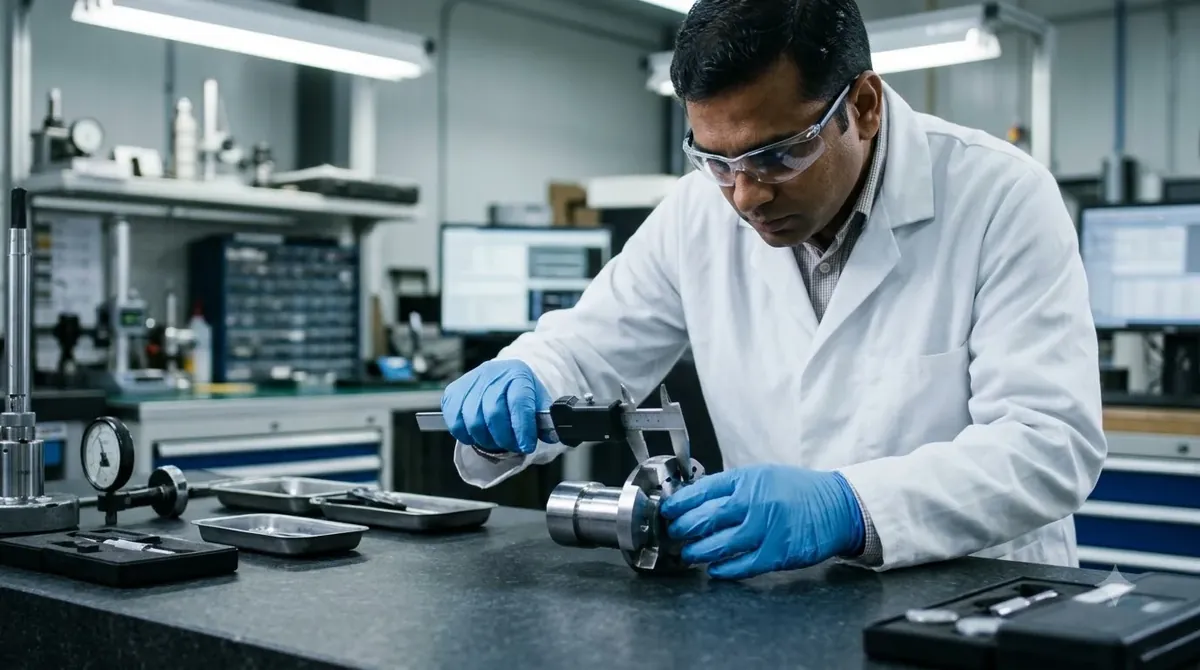
Quality inspector in a lab coat measuring a metal part with a caliper at an inspection table
Features

Quality management features

Inspection Plans

Define what to check, the specification and the tolerance for each item.

Incoming Inspection

Inspect material on receipt and accept, reject or send for rework before it enters stock.

In-Process Inspection

Record checks at set stages of production against the work order.

Final Inspection

Inspect finished goods before dispatch and attach the result to the batch.

Sampling

Set sample size rules so staff check the right quantity.

NCR Management

Log non-conformances with details, photos and responsible persons.

CAPA

Assign corrective and preventive actions, due dates and follow-up.

Batch & Serial Traceability

Trace a finished batch back to raw material lots and suppliers.

Supplier Quality

Track rejection rates by supplier to inform buying decisions.

Quality Reports

Rejection, defect type, inspection status and trend reports.
How it works

How quality control works in RexoERP

  1. Set up inspection plansAttach checks and tolerances to each item or group.
  2. Inspect at each stageInspectors record readings on a tablet or terminal at receiving, in production and before dispatch.
  3. Accept or rejectPassed material moves on; rejected quantity is blocked and an NCR is raised.
  4. Correct and learnCAPA is assigned and closed, and reports show repeating issues.
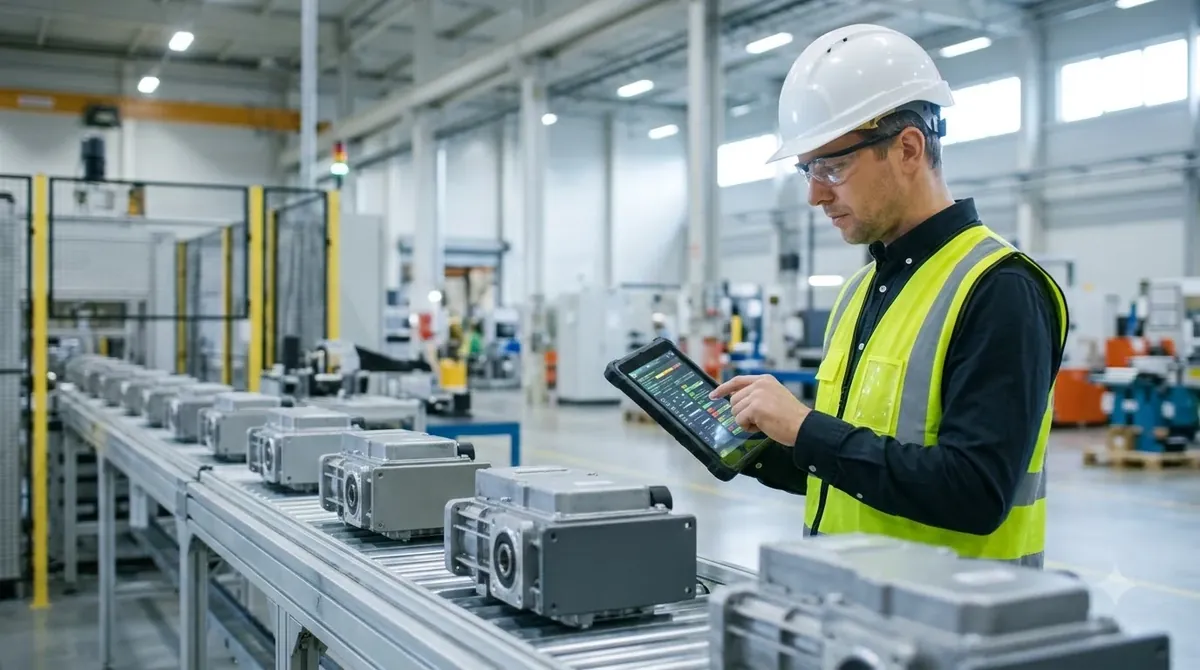
Quality engineer recording an inspection result on a tablet beside a production line
Use cases

Where quality management software helps

Component and auto-part makers

Keep dimensional and visual inspection records per lot.

Plastic, metal and chemical units

Check incoming material and in-process parameters.

Suppliers to large customers

Show customers and auditors a traceable record on request.

Businesses with high rejection

Find which stage or supplier causes most defects.
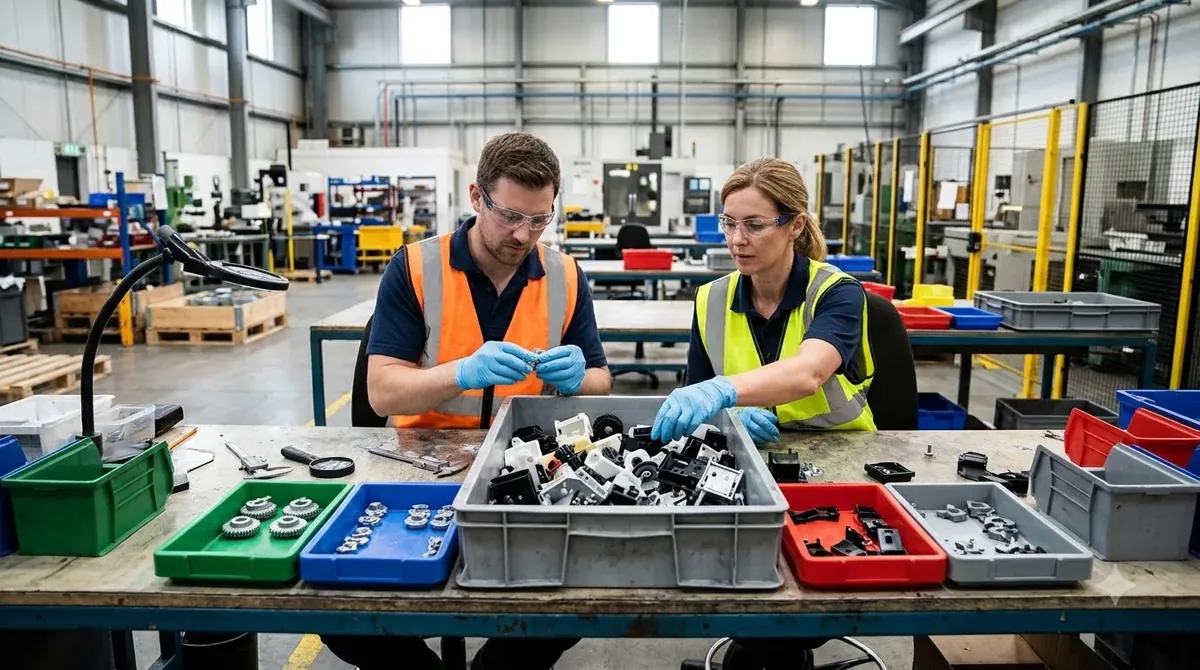
Quality team sorting accepted and rejected components into separate trays
Why RexoERP

Why choose RexoERP for quality management

Connected to your ERP

Quality results update stock, production and supplier records directly.

Easy for inspectors

Simple entry screens on tablets and terminals.

Traceable by design

Results are linked to batch, supplier and date automatically.

Set up with you

We configure inspection plans and train your quality team.

FAQ

Quality Management System Questions

It is the set of checks, records and corrective actions a company uses to make sure products meet a required standard. Quality management software keeps these in one place.

Yes. You can define inspection plans for each stage and record results against the receipt, work order or dispatch.

Yes. Rejected quantity is moved to a rejected location and cannot be issued to production or dispatch until it is dealt with.

Yes. Raise non-conformance reports, assign corrective and preventive actions with due dates and track them to closure.

Yes. Batch and serial tracking links finished goods to the raw material lots and suppliers used.

It keeps inspection records, NCRs and actions in one searchable place, which makes preparing for audits easier. It does not by itself certify your company.

It depends on users, modules and deployment. Request a free demo and we will quote for your plant.

Industries we set this up for

The same module is configured to each industry's way of working.

See quality management software in action

Book a free demo and we will walk through an inspection, a rejection and a corrective action using your items.