
0%
Product Lifecycle Management Module

Product Lifecycle Management Software for Manufacturers

RexoERP's product lifecycle management (PLM) software keeps product designs, bills of materials and engineering changes under control from first idea to retirement, and passes approved data straight to production and purchase.

  • Product Master
  • BOM Revisions
  • Engineering Changes
  • Document Control
  • Approvals
  • Linked to Production
  • Part of the integrated RexoERP suite
  • Dedicated support team

Get a Quote on Get a Quote on Product Lifecycle Management

Share your requirements and our specialists will get back to you.

What is it

What is product lifecycle management software?

Product lifecycle management (PLM) software manages everything about a product's definition: its drawings, specifications, bill of materials, revisions and approvals, from development through production to end of life.

In many companies, the latest drawing sits on one person's laptop and the BOM in a spreadsheet, and production sometimes builds from an old revision. In RexoERP, PLM keeps one controlled record. A change is proposed, reviewed and approved, and only then does the new BOM revision reach production and purchase.

It is meant for manufacturers that develop or customise products and need control over changes.

  • One approved version of every BOM and drawing
  • Engineering changes go through review and approval
  • Production only sees released revisions
Product design engineers reviewing a 3D printed prototype and drawings with a CAD model on a monitor
Features

Product lifecycle management features

Product Master

Central record for every product, variant and component with specifications.

BOM Management

Multi-level bills of materials with alternates and effectivity dates.

Revision Control

Track revisions with who changed what and why, and keep history.

Engineering Change Requests

Raise, review and approve changes before they reach the shop floor.

Document Control

Attach drawings, specifications and test reports, with version control.

Approval Workflow

Route designs and changes to the right reviewers.

Prototype to Production

Release a product from development to production with a clear status.

Costing

Roll up material and process cost for each BOM revision.

Supplier Parts

Link components to approved suppliers and alternates.

Product Reports

Where-used, revision history and change impact reports.
How it works

How PLM works in RexoERP

  1. Define the productCreate the product, its BOM and attach drawings and specifications.
  2. Propose a changeRaise an engineering change with the reason and impact.
  3. Review and approveReviewers approve, and the new revision gets an effective date.
  4. Release to productionProduction and purchase use only the released revision.
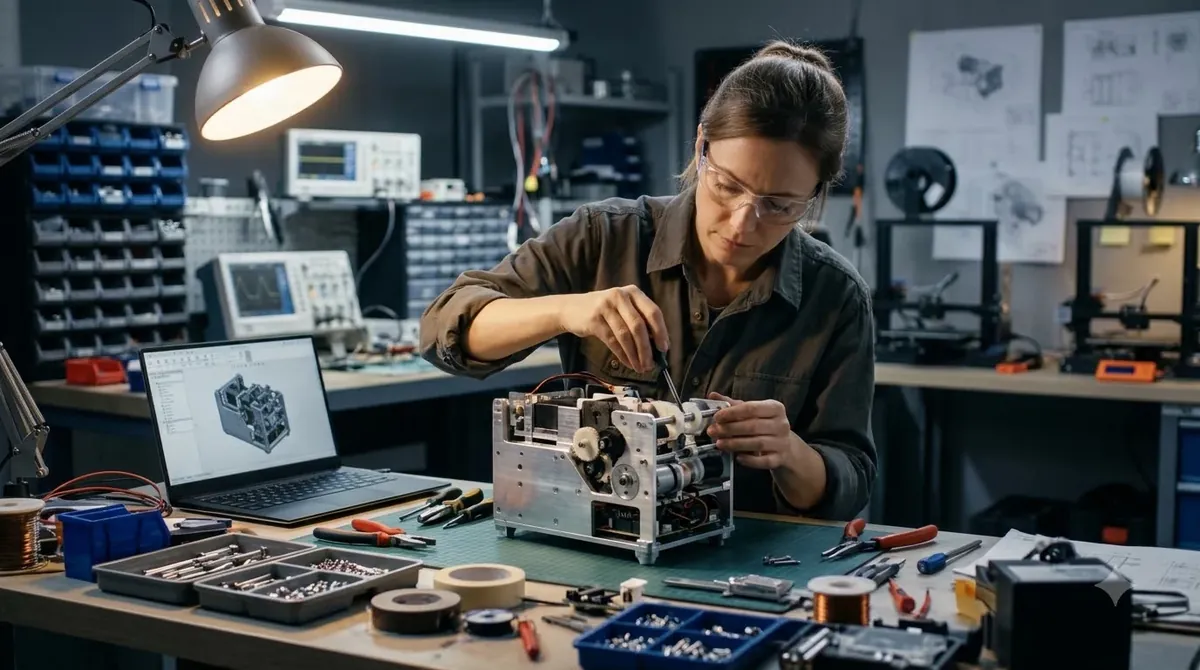
Engineer examining a mechanical prototype assembly on a workbench with a laptop showing a 3D model
Use cases

Where PLM software helps

Engineer-to-order manufacturers

Control custom designs and changes per order.

Product companies with frequent changes

Avoid building from outdated drawings.

Component suppliers to OEMs

Show customers a clear revision history.

Growing manufacturers

Move design data out of personal laptops and Excel.

Product manager and engineer planning a new product version at a whiteboard
Why RexoERP

Why choose RexoERP for PLM

Connected to production

Released BOMs flow to planning and purchase.

Clear change history

See who changed what and when.

One system

Design, cost and stock data together.

Set up with you

We migrate your BOMs and define approval steps.

FAQ

Product Lifecycle Management Questions

It is software that manages a product from design to retirement, including BOMs, drawings, revisions and approvals.

PLM controls product definition and change. ERP runs purchase, production, stock and accounts. In RexoERP both share data, so approved changes reach production directly.

Yes. BOMs have revisions with effective dates, and only released revisions are used in production.

Yes. Drawings, specifications and test reports can be attached to products and revisions.

Yes. Engineering changes can be routed to reviewers and must be approved before release.

No. CAD software creates designs. RexoERP manages the product data, revisions and approvals around them.

It depends on users and modules. Request a free demo for a quote.

Industries we set this up for

The same module is configured to each industry's way of working.

See PLM software in action

Book a free demo and we will take a design change from request to released BOM.