
0%
Warehouse Management Module

Warehouse Management System for Faster, Accurate Dispatch

RexoERP's warehouse management system tracks every item by bin location, guides put-away, picking and packing with barcode scanning, and keeps stock accurate in real time.

  • Bin Locations
  • Barcode Scanning
  • Put-Away & Picking
  • Packing & Dispatch
  • Multi-Warehouse
  • Linked to Sales & Stock
  • Part of the integrated RexoERP suite
  • Dedicated support team

Get a Quote on Get a Quote on Warehouse Management System

Share your requirements and our specialists will get back to you.

What is it

What is a warehouse management system?

A warehouse management system (WMS) controls what happens inside your warehouse: where each item is stored, how goods are received and put away, how orders are picked and packed, and what is ready to ship.

RexoERP's WMS is part of the ERP, so it works directly with inventory, purchase and sales. When a purchase order is received, the stock is updated and a bin is suggested. When a sales order is released, the picker gets a list in the right order. This warehouse management software removes the gap between the warehouse and the office.

It suits manufacturers, traders and distributors who are outgrowing stock registers and spreadsheets.
  • Know exactly where every item is stored
  • Fewer picking errors with barcode scanning
  • Stock in the system matches stock on the shelf
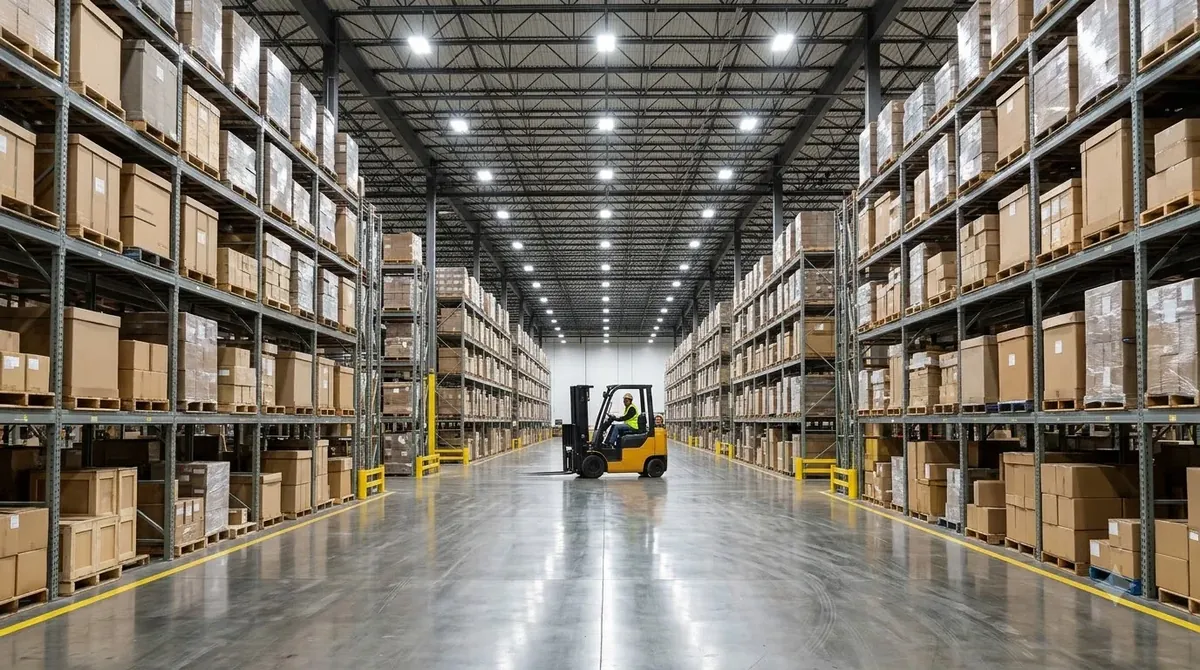
Large warehouse with tall pallet racks full of cartons and a forklift moving down the central aisle
Features

Warehouse management system features

Warehouse & Bin Setup

Define warehouses, zones, racks and bins so every item has an address.

Goods Receiving

Receive against purchase orders, record quantity and quality, and print labels.

Put-Away

Suggest storage bins based on item type, free space and rules you set.

Barcode & QR Scanning

Scan items and bins on mobile devices for receiving, picking and stock checks.

Picking

Generate pick lists by order or in batches, sorted by location to reduce walking.

Packing & Dispatch

Pack, weigh and label orders, and hand over to the transporter with documents.

Batch, Serial & Expiry

Track lots, serial numbers and expiry dates, with first-expiry-first-out picking.

Stock Transfers

Move stock between bins, warehouses and branches with in-transit tracking.

Cycle Counting

Count a few bins daily instead of shutting down for a full stock take.

Warehouse Reports

Stock by location, ageing, movement and pick accuracy reports.
How it works

How the warehouse works in RexoERP

  1. ReceiveGoods arrive against a purchase order. Staff scan and check them and the stock is booked.
  2. Put awayThe system suggests a bin; the worker scans the item and the bin to confirm.
  3. Pick and packSales orders create pick lists. Pickers scan items, and packers close the carton.
  4. DispatchInvoice, e-way bill and transporter details are attached and stock is reduced automatically.
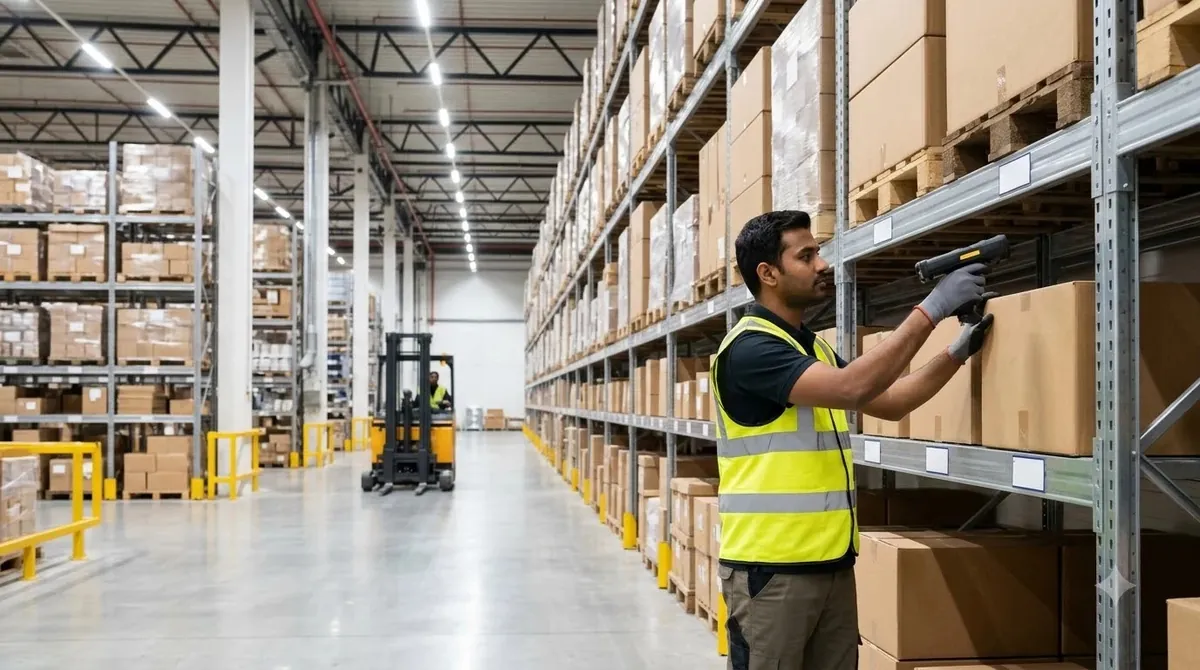
Warehouse worker scanning a barcode on a rack shelf while picking an order
Use cases

Where warehouse management software helps

Manufacturers

Store raw material and finished goods separately, and issue material to production by scan.

Distributors and traders

Handle many SKUs and fast order cycles with fewer picking mistakes.

Multi-warehouse businesses

See stock across all godowns in one view and plan transfers.

Businesses with batch or expiry items

Track lots and expiry and pick the right batch first.
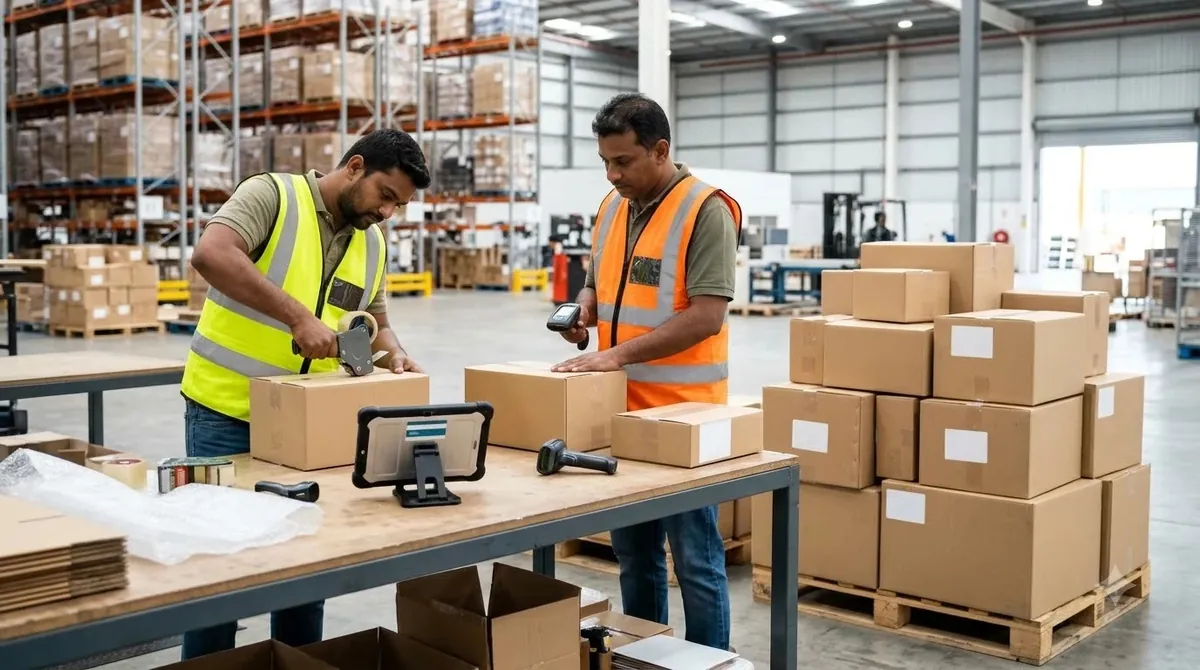
Packing station where staff pack orders into cartons ready for dispatch
Why RexoERP

Why choose RexoERP for warehouse management

Inside your ERP

Warehouse, purchase, sales and accounts share the same data, with no sync issues.

Works on mobile

Use handheld scanners or Android phones for receiving and picking.

GST-ready dispatch

Invoices and e-way bill data are prepared from the dispatch step.

Set up around your layout

We configure bins and rules to match your warehouse and train your staff.

FAQ

Warehouse Management System Questions

A WMS is software that controls storage and movement of goods inside a warehouse: receiving, put-away, picking, packing and dispatch, with location-level stock tracking.

Yes. You can print barcode or QR labels and scan items and bins on mobile devices or handheld scanners during receiving, picking and stock counts.

Yes. Set up any number of warehouses and bins, view stock across all of them, and transfer stock with in-transit tracking.

Yes. Batch, serial and expiry tracking is supported, with first-expiry-first-out picking where required.

Yes. Receipts update stock from purchase orders, and sales orders create pick lists and update stock on dispatch.

Inventory management tracks quantity and value. The WMS adds location-level control and the workflow of receiving, picking and packing. Both are in RexoERP.

It depends on users, devices and deployment. Request a free demo and we will quote for your setup.

Industries we set this up for

The same module is configured to each industry's way of working.

See the warehouse management system in action

Book a free demo and we will walk through receiving, picking and dispatch using your item and bin structure.